The Ultimate Guide to Downloading Apple Music: Tips, Tools, and Legal Considerations
Apple Music has emerged as one of the leading streaming services globally, boasting a massive library of songs, albums, and curated playlists. One of the standout features of Apple Music is its ability to allow users to download music for offline listening, which is a crucial aspect for music enthusiasts on the go. In this comprehensive guide, we will delve deep into the process of downloading Apple Music, explore various tools available, and discuss the legal considerations you should keep in mind. Whether you’re searching for a free music downloader or methods to enjoy your favorite tracks without an ongoing subscription, this guide has got you covered!
Understanding Apple Music Downloads
Upon subscribing to Apple Music, users gain access to an expansive catalog of music. However, the downloaded music is protected by DRM (Digital Rights Management), which restricts playback to the Apple Music app alone. This limitation can be frustrating for users who wish to enjoy their music on various devices or platforms. In this context, understanding the implications of DRM is essential for anyone looking to explore options for downloading and converting their music.
What is DRM?
Digital Rights Management, or DRM, encompasses a range of technologies used by content providers to regulate how their digital content is utilized and distributed. In the case of Apple Music, DRM prevents users from playing downloaded tracks outside the Apple ecosystem. Understanding DRM is crucial for exploring legitimate options for downloading and converting your music, as it governs what you can and cannot do with the content you purchase or subscribe to.
How to Download Apple Music Legally
Before we delve into the tools and methods for downloading Apple Music, it is vital to clarify the legal aspects of this process. While paying for an Apple Music subscription grants you the right to download songs for personal offline listening, redistributing or converting these songs into different formats may infringe copyright laws. Here are some legitimate ways to download Apple Music:
- Use the Apple Music App: Navigate to the song or album you wish to download, tap the download icon, and your selected content will be available for offline listening in no time.
- Download Playlists: Apple Music allows you to download entire playlists, which is particularly convenient for curating collections for various occasions like workouts or social gatherings.
- Offline Listening Mode: Ensure that offline listening mode is enabled in the Apple Music app settings to access your downloaded music without an active internet connection.
Best Tools for Downloading Apple Music
While the Apple Music app provides basic downloading capabilities, many users seek additional tools to enhance their experience further. Below are some of the best Apple Music downloader options available:
1. Apple Music Downloader: Apple Music to MP3 Converter
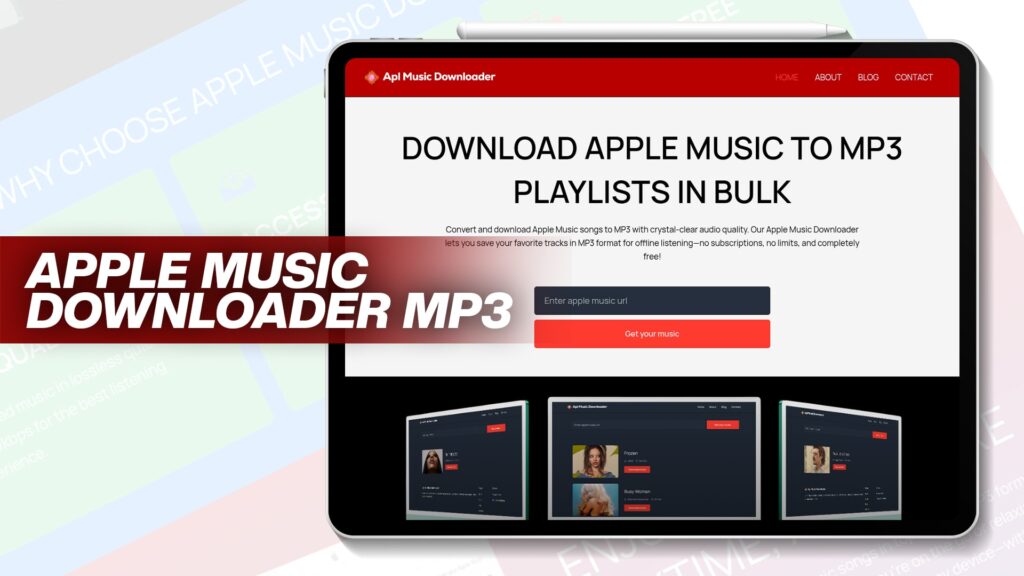
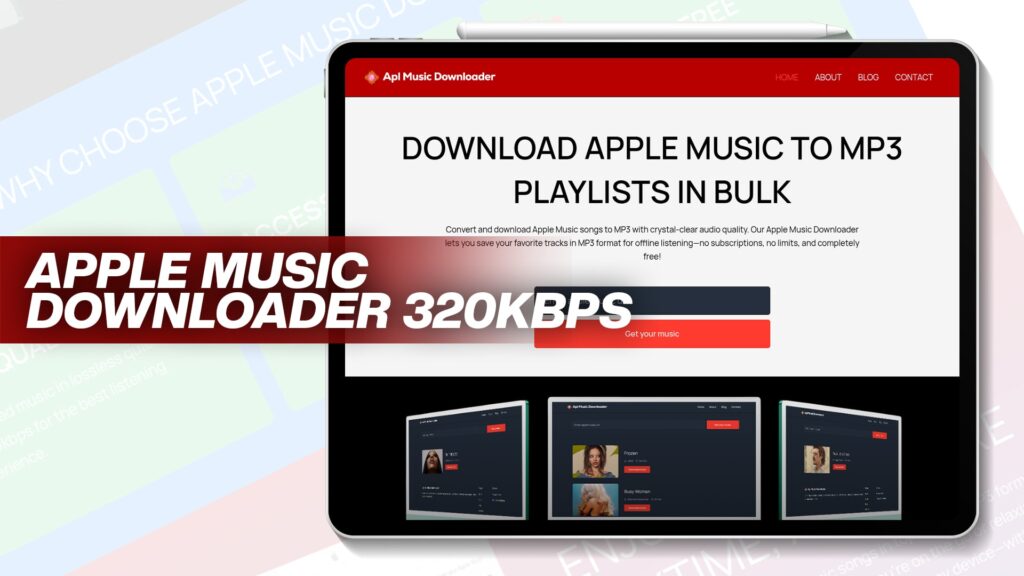
This powerful tool allows you to convert your Apple Music tracks into the universally compatible MP3 format. The conversion process is straightforward, and it retains the original audio quality, ensuring your listening experience remains intact. To learn more about this tool, visit here.
2. APLMusicDownloader
APLMusicDownloader is a fantastic option for users looking to download Apple Music playlists quickly. This online service is user-friendly and does not require any software installation. For a detailed guide on how to use this tool, check out this resource.
3. Best Apple Music Playlist Downloaders
Finding the right playlist downloader is essential for avid music lovers. Tools such as APLMusicDownloader and other Apple Music to MP3 converters provide seamless access to playlist downloads. You can explore the top options in our article on best Apple Music playlist downloaders.
Downloading Apple Music for Offline Listening
The process of downloading music for offline listening on Apple Music is quite simple. Here’s a step-by-step guide:
- Open the Apple Music app and find the song, album, or playlist you want to download.
- Tap the three dots next to the title and select “Download.” The downloaded content will appear in your library, easily accessible for offline listening.
- Make sure your device has sufficient storage space to accommodate the downloaded music files.
Free Music Downloaders: Are They Worth It?
There are numerous free music downloaders available online, which may seem enticing at first. However, it is crucial to weigh the potential risks involved, including malware, subpar audio quality, and legal issues. If you opt for free options, ensure you choose reputable services that respect copyright laws and provide a safe experience for users.
Legal Music Downloads: What You Need to Know
When it comes to downloading music, legality is a significant consideration. Here are some key points to keep in mind:
- Subscription Benefits: Subscribing to Apple Music allows you to download songs legally for personal use, making it a great option for music lovers.
- Avoid Redistribution: Sharing or selling downloaded music is illegal, as it violates copyright agreements.
- Use Trusted Services: Always use trusted platforms to avoid legal issues and ensure the safety of your device from malicious software.
Benefits of Converting Apple Music Playlist to MP3
Converting your Apple Music playlist to MP3 format offers several advantages:
- Compatibility: MP3 files are compatible with a wide range of devices, making it much easier to transfer and play your music on different platforms.
- Ownership: Once converted, you own the MP3 files and can use them as you wish without any restrictions imposed by DRM.
- Quality: High-quality converters can maintain the original sound quality of your music, ensuring you don’t compromise on audio experience.
Creating Your Ultimate Workout Playlist
Music can significantly enhance your workout experience. To create the perfect workout playlist, consider using free Apple Music downloads. Choose upbeat tracks that keep you motivated and energized throughout your session. Here are some tips for crafting an effective workout playlist:
- Variety: Incorporate a mix of genres to maintain interest and excitement during your workout.
- Pacing: Select songs with varying tempos to match different phases of your workout, such as warm-ups, high-intensity intervals, and cooldowns.
- Personal Favorites: Include tracks that personally inspire you or hold special memories, as they can boost your motivation and enjoyment.
Conclusion
Downloading Apple Music can greatly enhance your listening experience, especially when you want to enjoy your favorite tracks offline. By understanding the tools available, the legalities involved, and the steps to download, you can maximize the benefits of your Apple Music subscription. Always remember to choose reputable downloaders, adhere to copyright laws, and prioritize your listening experience. Happy listening!
Frequently Asked Questions
Can I download songs from Apple Music for free?
Downloading songs from Apple Music requires a subscription. However, some free music downloaders allow access to certain tracks legally.
How do I download my entire Apple Music library?
To download your entire Apple Music library, use the Apple Music app, select “Download All,” and ensure you have enough storage on your device.
What formats can I convert Apple Music songs into?
You can convert Apple Music songs into various formats, with MP3 being the most popular due to its compatibility with most devices.
Is it legal to convert Apple Music to MP3?
Converting Apple Music to MP3 for personal use is typically legal, but sharing or selling the files violates copyright laws.
What are the best tools for downloading Apple Music playlists?
Some of the best tools include APLMusicDownloader and various Apple Music to MP3 converters, which provide easy access to playlist downloads.