Choosing between Apple Lossless and MP3 isn’t really a question about which one is better. It’s a question about what you’re willing to trade. One keeps every detail of the original recording and charges you in storage. The other gives up some of that detail and returns the favor in size and compatibility. Once you see the trade clearly, the right pick for your situation usually becomes obvious.
The two formats in one paragraph each
Apple Lossless (ALAC) is Apple’s lossless codec. It compresses audio the way a zip file compresses a document: the file gets smaller, and when it’s played back, every bit of the original comes out exactly as it went in. It’s the format behind Apple Music’s Lossless and Hi-Res Lossless tiers, and it’s what Apple’s own software uses when you rip a CD at full quality.
MP3 is the older lossy format. It shrinks files by permanently discarding audio information that its psychoacoustic model predicts most listeners won’t notice. Once that information is gone, it can’t be recovered. In exchange, MP3 files are small and play on essentially anything made in the last twenty-five years.
What you gain with Apple Lossless
A complete copy of the source. Nothing is discarded, so what you play back matches the master the file was made from. Fine detail in cymbals, reverb tails, room ambience, and the separation between layered instruments is all still there.
No generational loss. You can copy, move, or re-encode a lossless file to another lossless format as many times as you like without any degradation. Lossy files don’t work that way: each conversion between lossy formats discards a little more.
A better archive. If you’re building a collection you want to keep for decades, a lossless master lets you make any lossy copy you need later. You can always go from lossless down to MP3, but never back up.
What you lose with Apple Lossless
Storage space. This is the big cost. Using a four-minute song as a rough guide: a 320 kbps MP3 comes to roughly 9 to 10 MB, while the same song in CD-quality lossless typically lands somewhere in the range of 20 to 30 MB, depending on how dense the music is. Hi-Res Lossless files are larger still. A library that fits on a small phone as MP3 can overflow it as ALAC.
Compatibility. ALAC plays natively across Apple’s ecosystem, but support elsewhere is patchier. Many Android players, older car stereos, basic MP3 players, and some software either can’t play ALAC or handle it awkwardly. MP3 has no such problems.
Bandwidth and convenience. Big files take longer to download, sync, and transfer, and they eat through mobile data fast if you stream or move them over a cellular connection.
What you gain with MP3
Small files. At 320 kbps, MP3 offers a good balance of quality and size, and at lower bitrates the files get smaller still. You can carry thousands of songs on a modest device.
Plays everywhere. Cars, gym players, old phones, smart speakers, game consoles, editing software. If it plays audio, it plays MP3. For anyone who has ever had a file refuse to open on a device, that certainty is worth a lot.
Easy sharing and transfer. Small, universal files move quickly between devices and are accepted by nearly every app and service.
What you lose with MP3
Some of the original audio. The loss is permanent, and it’s more noticeable at lower bitrates. At 320 kbps, MP3 is transparent for most listeners on most gear, meaning a blind test often can’t separate it from lossless. On very good headphones or speakers, and with demanding music like acoustic recordings or dense orchestral passages, trained ears can sometimes pick up a difference.
A clean path back. Once a track exists only as an MP3, you can’t recover the missing detail. Re-encoding it to a lossless format makes a bigger file, but it doesn’t bring anything back.
Side by side
| Apple Lossless (ALAC) | MP3 (320 kbps) | |
|---|---|---|
| Audio data kept | All of it | Most of it |
| Typical size, 4-min song | Roughly 20-30 MB (CD quality) | Roughly 9-10 MB |
| Compatibility | Strong on Apple, patchy elsewhere | Near universal |
| Good for archiving | Yes | Not ideal |
| Best for | Home listening, wired gear, keeping masters | Portability, cars, any device |
Does the difference reach your ears?
This is where the honest answer disappoints people who want a clear winner. For most everyday listening, a well-made 320 kbps MP3 and a lossless file sound the same, and the reason is simple: your listening setup is the limit, not the file. Bluetooth earbuds recompress whatever you send them. Phone speakers, car cabins, and noisy rooms mask the fine detail that lossless is built to preserve.
The gap becomes audible with a wired connection, decent headphones or speakers, a quiet room, and music with a lot of texture to it. If that describes how you listen, lossless is worth having. If you mostly listen on the go, the practical advantages of MP3 will serve you better than a quality gain you can’t hear.
Going from lossless to MP3 the right way
Because the direction matters, the safest approach is to treat lossless as your master and make MP3 copies from it when you need them. Converting down from lossless is the clean direction, since you’re only applying lossy compression once. Converting in the other direction, MP3 to lossless, just wraps the same reduced audio in a bigger file.
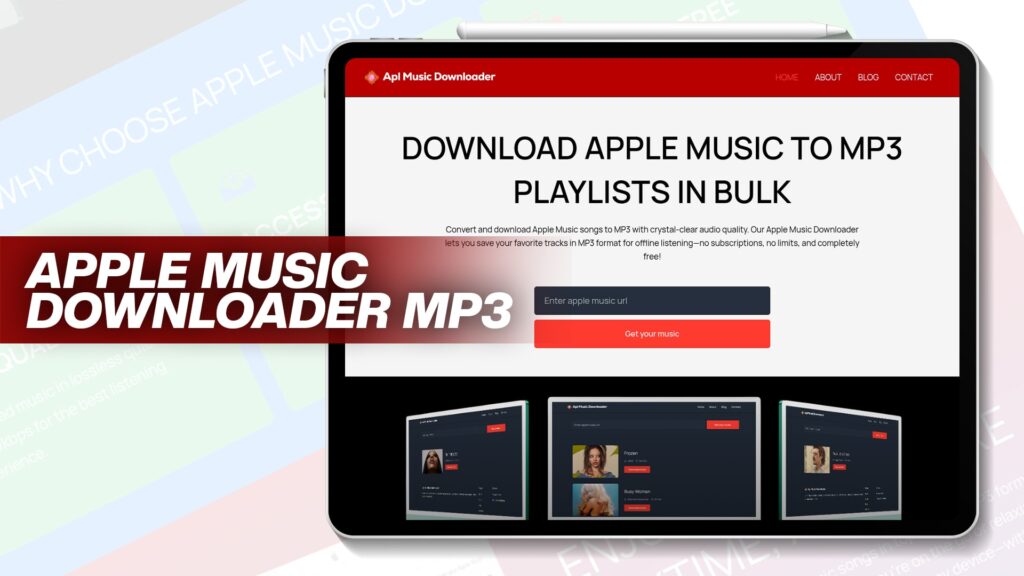
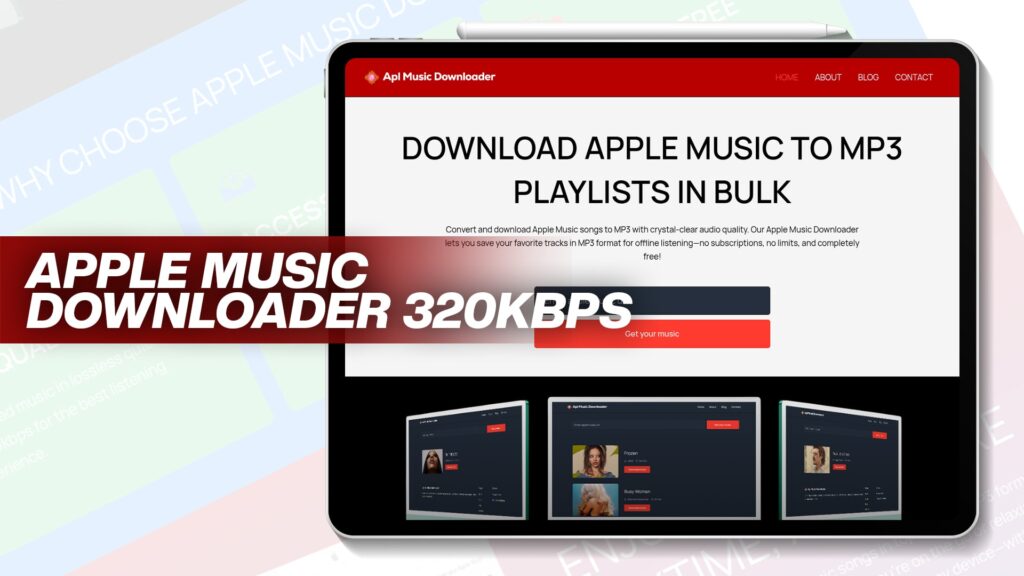
When you do make MP3 copies, use the 320 kbps ceiling so you keep as much as the format allows. A 320 kbps Apple Music downloader does exactly that. For Apple Music songs in particular, Apl Music Downloader saves tracks as MP3 with crystal-clear audio, no subscription, and no limits, which suits the common case of wanting music that plays on any device. If you want to walk through the process first, here’s how to convert Apple Music downloads to MP3, and this guide covers the benefits of converting Apple Music to MP3. If you’re still deciding which tool to use, there’s a roundup of the best free Apple Music to MP3 converters.
How to choose
Pick Apple Lossless if you listen on wired headphones or a home setup, you’re mostly inside Apple’s ecosystem, you have the storage to spare, or you’re building an archive meant to last.
Pick MP3 if you need your music on a car stereo, an Android phone, a basic player, or several different devices, or if storage and transfer speed matter more to you than the last sliver of detail.
Or do both, which is what many careful listeners end up doing: keep lossless masters where space allows, and keep MP3 copies on the devices that need them.
The bottom line
Apple Lossless gives you the full recording and asks for space and compatibility in return. MP3 gives you small, universal files and asks you to accept a small, permanent loss of detail. Neither choice is wrong. The right one is whichever trade matches how and where you actually listen, and if you keep lossless as your source, you never have to give up the option of making the other kind later.